MultiMail Screen Shots
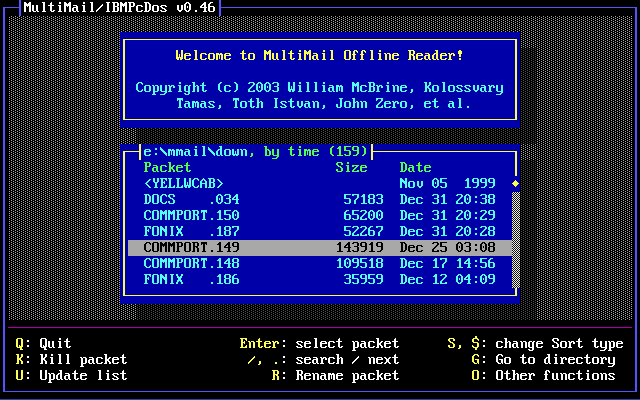
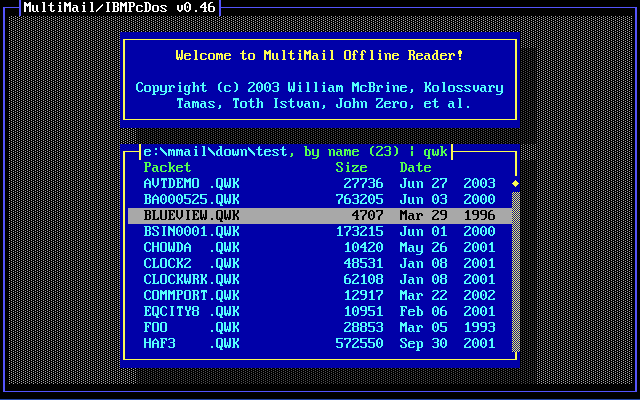
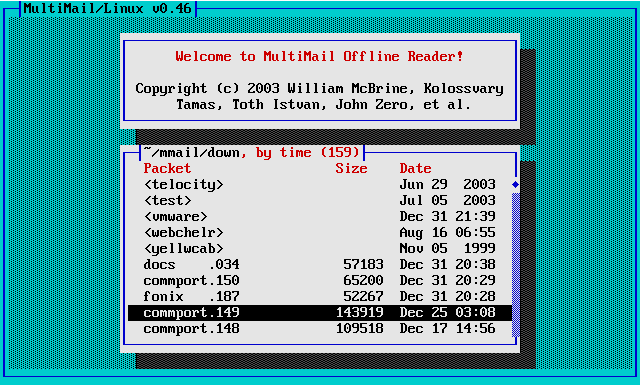
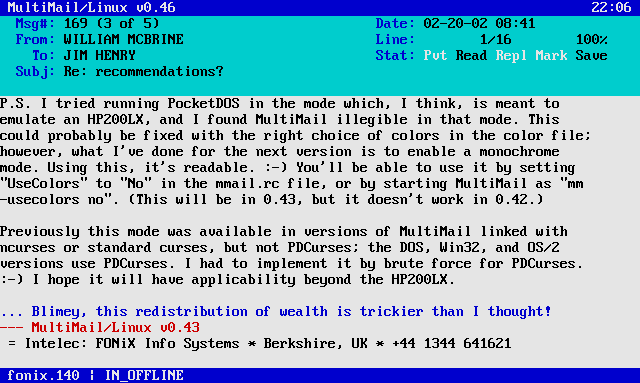
Default color scheme, MS-DOS version
From DOSEmu in X.
 |
 |
| Startup screen – packet list |
With a filter, in expert mode |
 |
 |
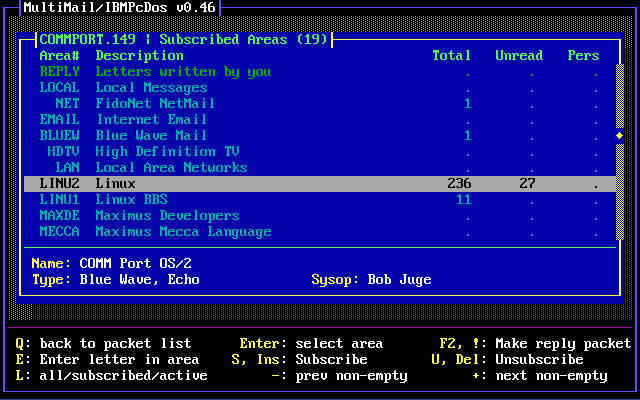
| Area list, Blue Wave |
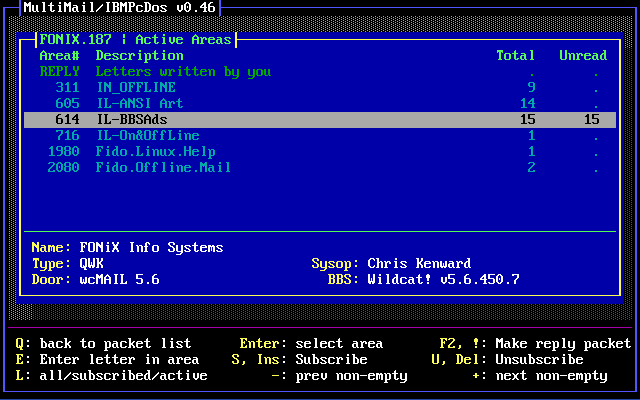
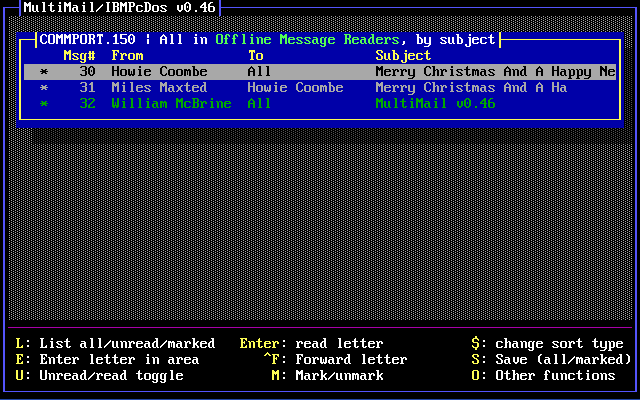
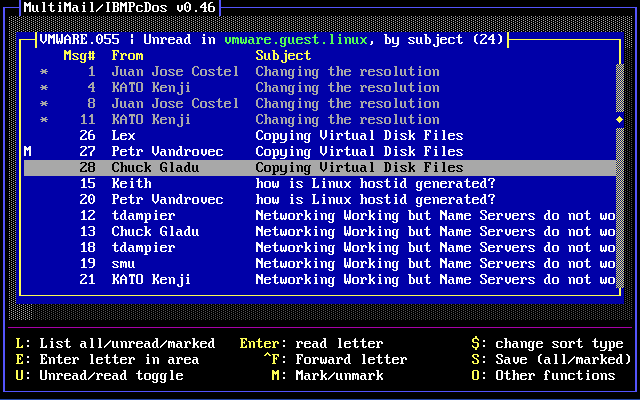
Area list, QWK |
 |
 |
| Letter list, BBS |
Letter list, Usenet |
 |
 |
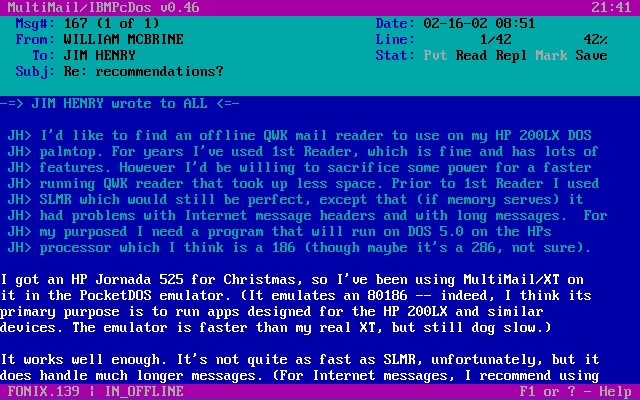
| Letter window |
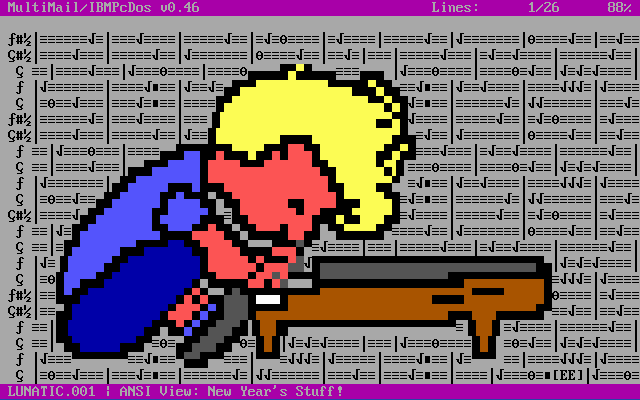
ANSI viewer |
Aqua color scheme, Linux version, in xterm
An example of a light-background scheme. This xterm was started with “-fn
vga -tn linux” – useful for viewing ANSI pics.
 |
 |
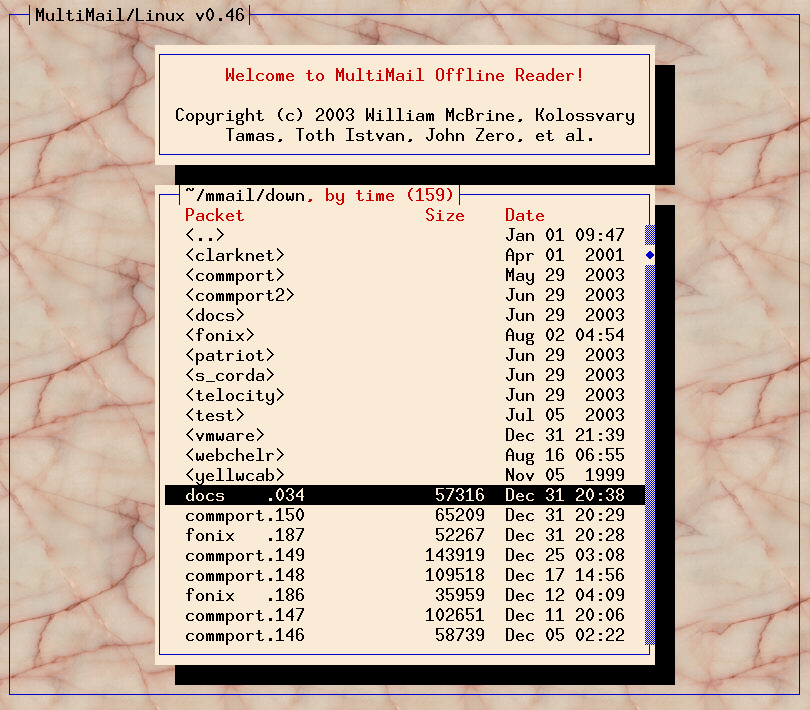
| Startup screen – expert mode |
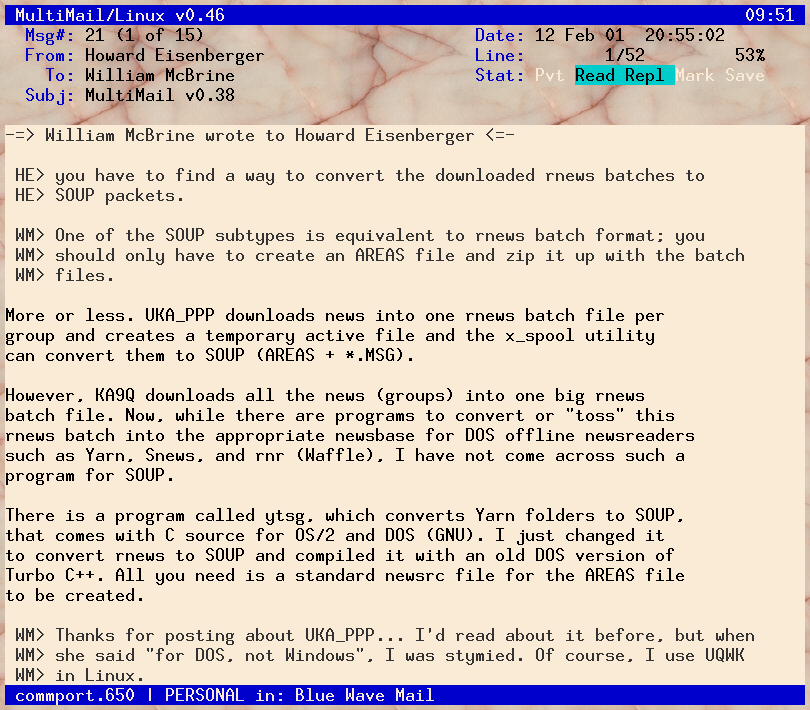
Letter window |
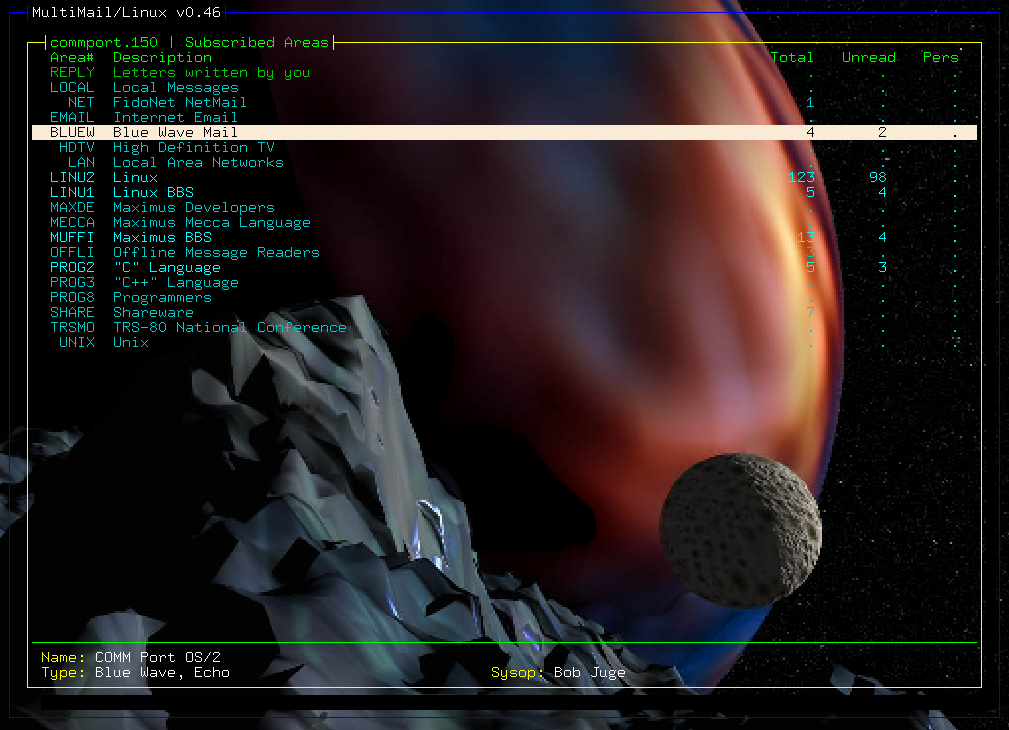
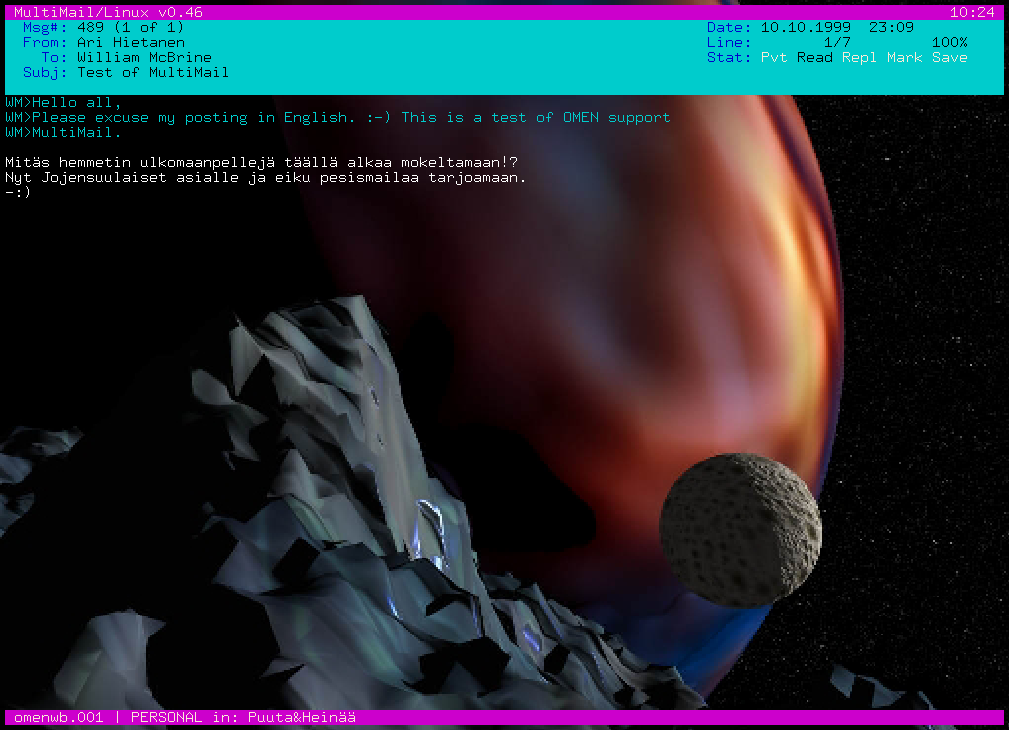
With transparency, in Eterm
New in 0.39 – whichever color is defined as the background in “Main_Back”
becomes transparent. (Version 0.38 always made Black the transparent
color.) This can be used to good effect with a light-background scheme
like aqua.col. Here I’m using the standard iso-8859-1 character set, 10x20
font.
 |
 |
| Startup screen – expert mode |
Letter window |
The standard color scheme, but with the background set to blue and made
transparent.
 |
 |
| Area list – expert mode |
Letter window |
Not all terminals are created equal
The pictures at the top of this page show what MultiMail is supposed to
look like, but some terminals lack support for color, the special
box-drawing characters, or both. In many cases, this isn’t really the
fault of the terminal, but of the corresponding entry in the terminfo
database – you can sometimes edit that to fix the problem. In other
cases, changing the font can help. Anyway, the “lowest common denominator”
MultiMail display looks something like this (contributed by Alan Zisman):
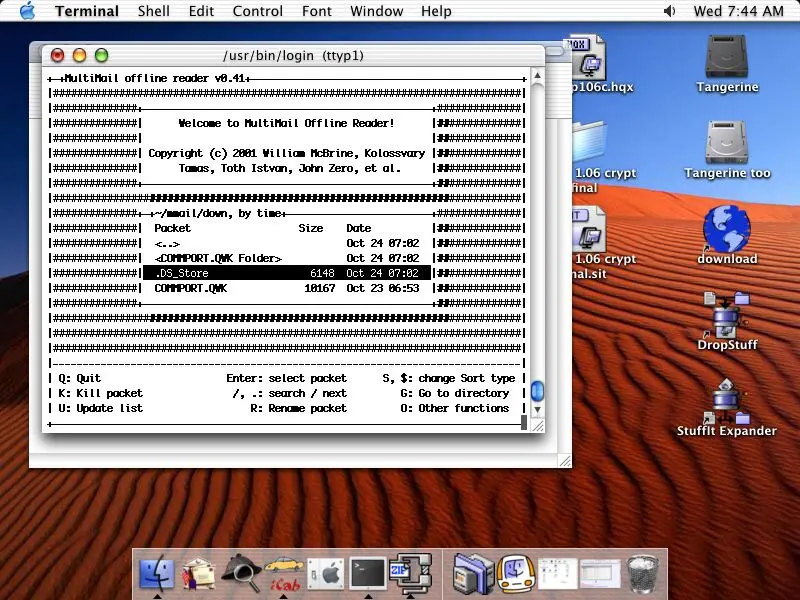 |
| Older Macintosh OS X |
I’m happy to report that performance under macOS’ Terminal has
improved since that snapshot was taken.
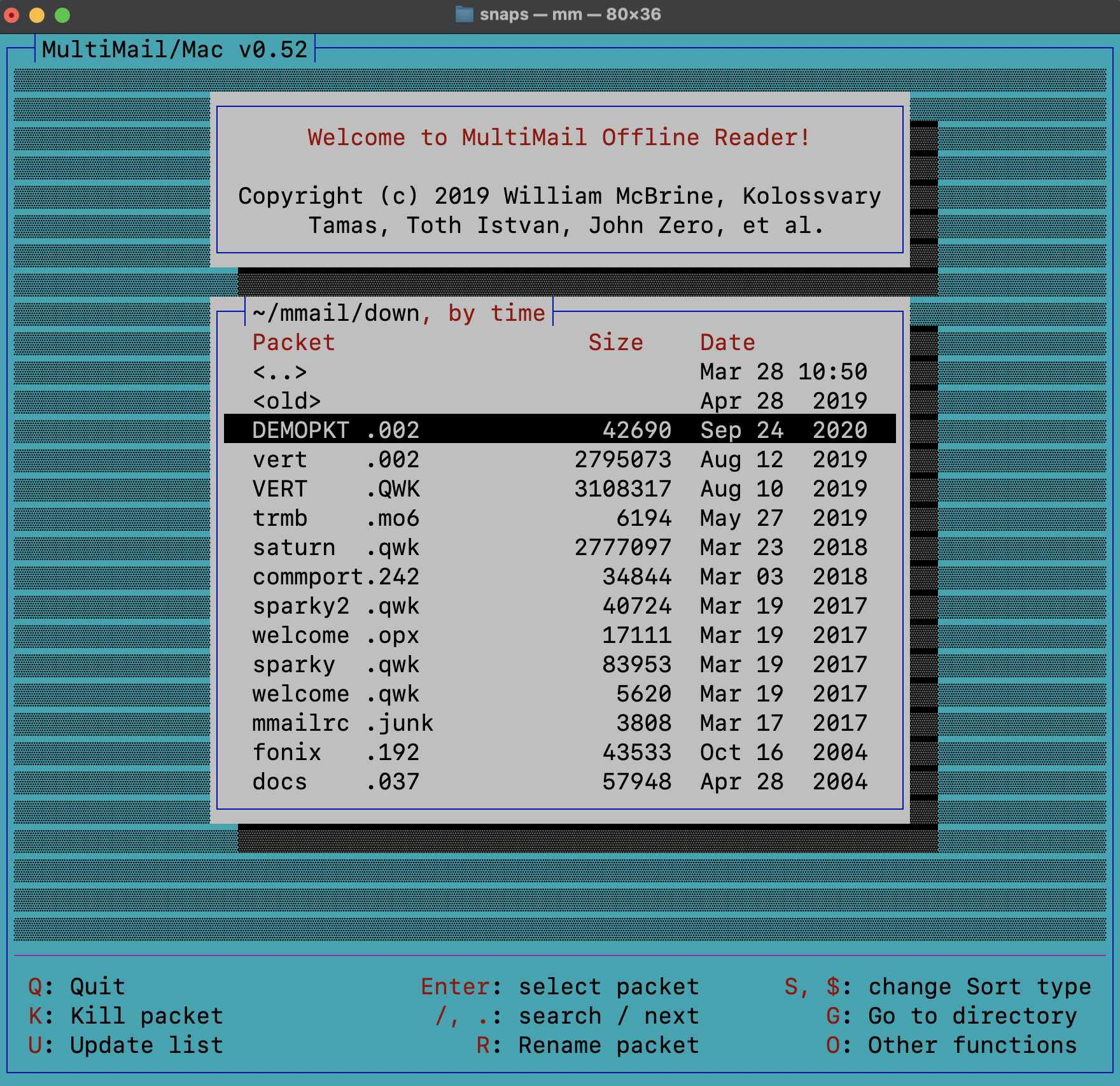 |
| With macOS 15.3.2 |
MultiMail